How to Finally Make Local LLMs Work for You (Without Abandoning Cloud Models)
Introduction
If you've ever dreamed of running large language models entirely on your own hardware—free from monthly subscriptions, third-party data handling, and service outages—you're not alone. Many tech enthusiasts have tried pulling models via Ollama, hoping to replace cloud giants like ChatGPT and Claude. But often, that dream falls flat: local models are slower, less capable, and simply not up to par for every task. The turning point comes when you stop trying to force a one-for-one replacement and instead embrace a hybrid approach. This guide walks you through the exact steps to set up local LLMs so they finally click—complementing, not replacing, your cloud tools.
What You Need
- A computer with decent specs – A modern GPU (NVIDIA with at least 8 GB VRAM ideal) or at least 16 GB of system RAM. Apple Silicon Macs also work wonderfully.
- Ollama – Free, open-source software for running LLMs locally. Download from ollama.com.
- At least 10 GB of free disk space – Depending on the models you download.
- Basic command-line familiarity – You'll run a few terminal commands.
- Patience and a shift in mindset – The biggest hurdle isn't technical; it's letting go of the idea that local must replace cloud entirely.
Step-by-Step Guide
Step 1: Define What ‘Local’ Means for You
Before installing anything, take 15 minutes to list the AI tasks you do regularly. Common examples: writing emails, summarizing articles, brainstorming, coding help, data analysis, or creative writing. Now, honestly evaluate which of these absolutely require the raw intelligence of GPT-4 or Claude 3.5. For example, complex reasoning and long-context tasks often need cloud models. Simpler, repetitive, or privacy-sensitive tasks (like summarizing personal notes or drafting internal memos) are perfect candidates for local.
Step 2: Install Ollama and Pull Your First Model
Head to Ollama’s website and install the version for your operating system. Once installed, open your terminal and run: ollama pull llama3.2. This downloads a versatile 8B model that runs on most modern hardware. Start with something small like phi3 or tinyllama if you have limited resources. Test it immediately: run ollama run llama3.2 and chat directly in the terminal. This hands‑on test will show you the speed and quality you can expect.
Step 3: Identify the Sweet Spot for Local Models
Now comes the critical mental shift: stop trying to replace your cloud LLM entirely. Instead, pinpoint a handful of tasks where local models shine:
- Privacy-first tasks – Drafting confidential documents, analyzing personal data, or generating text for internal use where you don’t want data leaving your machine.
- Offline or low-bandwidth situations – Writing code on a plane, taking notes in a remote cabin, or working in a secure environment.
- High-volume, low-complexity tasks – Bulk summarization, tagging, or formatting that would be expensive or slow via API.
- Experimentation and fine-tuning – Tinkering with model parameters without worrying about costs.
Step 4: Integrate Local Models into Your Everyday Workflow
Don’t rely solely on the terminal. Use tools that bridge local models with your daily apps:
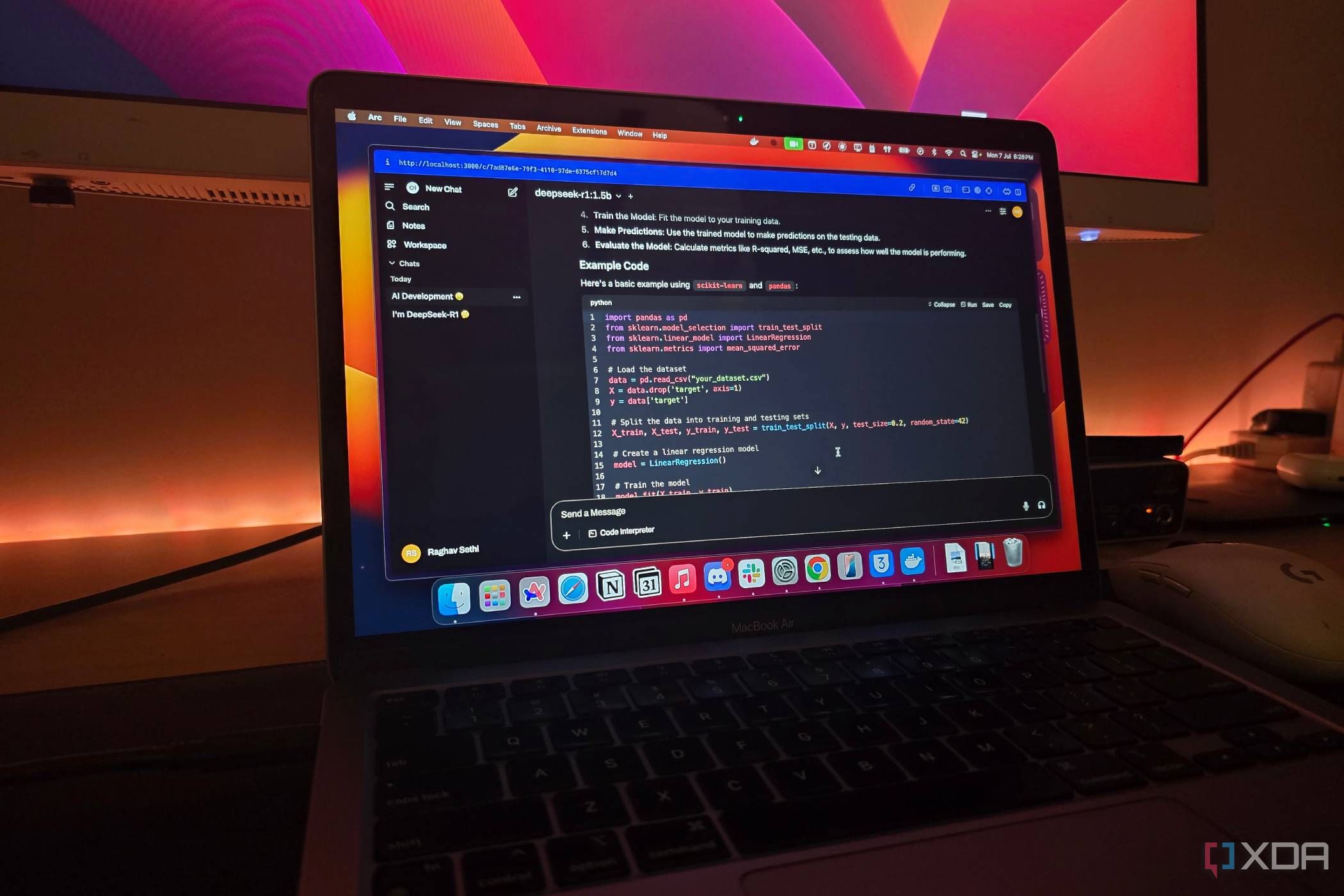
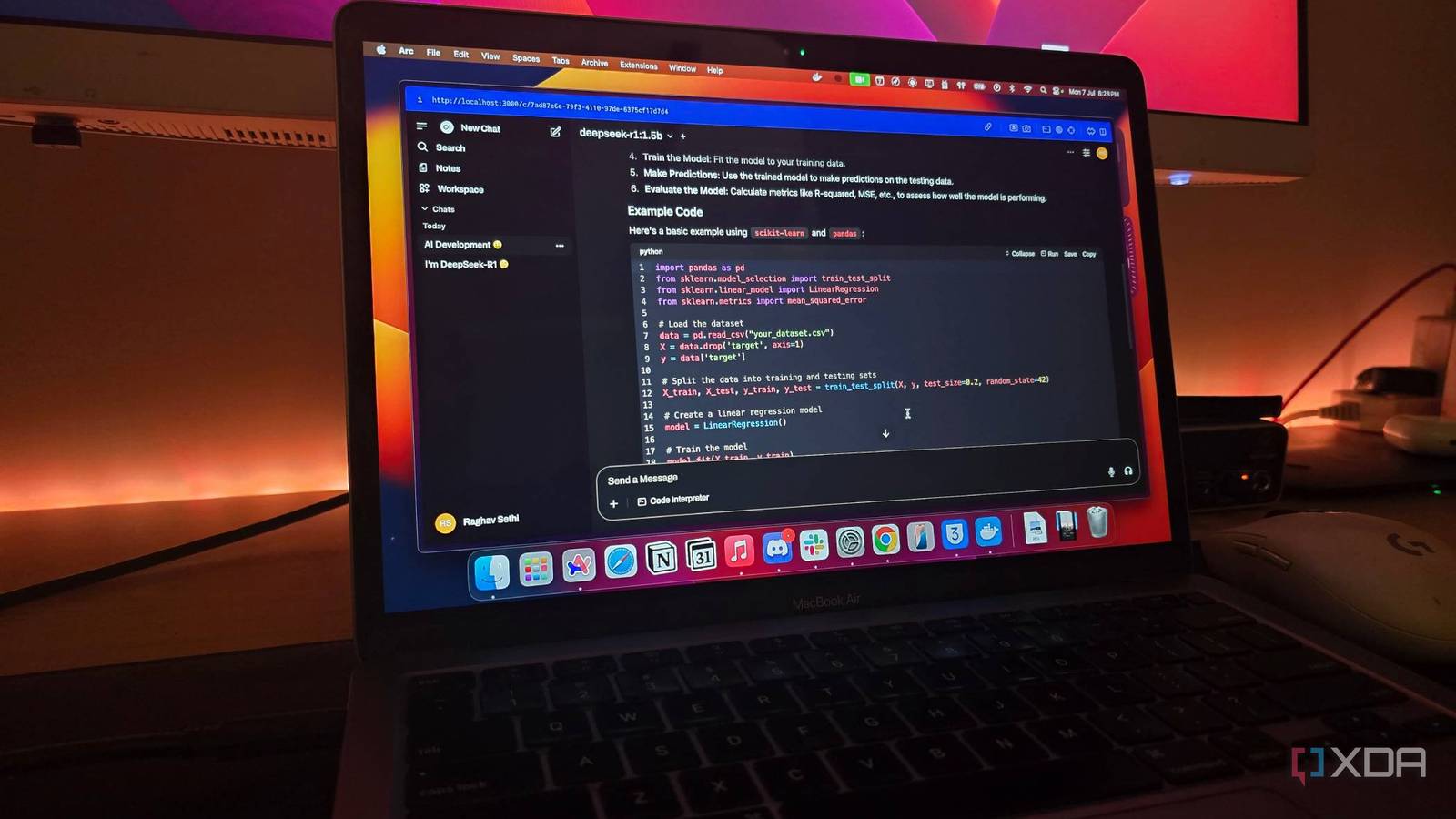
- Ollama Web UI (like Ollama Web UI) – a ChatGPT‑like interface for your local models.
- Editor plugins – For VS Code, use Continue to get local code completions and chat.
- Alfred/Raycast extensions – Trigger local LLM actions with keyboard shortcuts.
Set up a “quick reply” workflow: when you need to rewrite a sentence or generate a short list, use the local model via a hotkey. This builds the habit of reaching for local instead of always opening a browser tab.
Step 5: Keep Cloud Models for Heavy Lifting—and That’s Okay
Resist the temptation to delete your ChatGPT or Claude accounts. Accept that cloud models are still superior for: complex reasoning, long context (64k+ tokens), multimodal tasks (image/video analysis), and tasks requiring the latest training data. Use your local model as the first line of defense, then escalate to cloud when necessary. Over time, you’ll notice you use cloud AI less often, not zero times.
Step 6: Optimize and Expand Gradually
Once the workflow feels natural, explore other models: mistral for speed, codellama for programming, or llama3.1:70b if you have enough VRAM. Tweak parameters like temperature and top_p using Ollama’s Modelfile. Also consider quantized versions (e.g., Q4_K_M) to run larger models on limited hardware. Keep a running list of tasks you’ve migrated to local and celebrate each one; this reinforces the mental shift.
Tips for Long-Term Success
- Start small. Don’t pull a 70B model first. A 7B or 8B model will give you immediate wins without frustration.
- Embrace imperfection. Local models make mistakes more often than cloud ones. That’s fine—you’re using them for low‑stakes tasks.
- Update models periodically. Ollama makes it easy:
ollama pull llama3.2again to get the latest. - Share your workflow. Explain to friends or colleagues how you mix local and cloud. They’ll often have ideas you haven’t considered.
- Revisit your task list every few months. As local models improve, you can move more tasks from cloud to local.
The moment local LLMs “make sense” is not when they match ChatGPT blow‑for‑blow, but when you realize they fill a unique niche—speed, privacy, offline access—without requiring you to give up the power of cloud models. Follow these steps, adjust your expectations, and you’ll finally enjoy the best of both worlds.
Related Articles
- How Canva Review 2022: Details, Pricing & Features
- NVIDIA Deploys GPT-5.5-Powered Codex Across 10,000 Employees, Reporting 'Mind-Blowing' Productivity Gains
- How OpenAI Debugged and Neutralized ChatGPT's Unexpected Goblin Obsession
- Harnessing Supercomputing for AI Inference: A Guide Inspired by Anthropic and SpaceX's Colossus 1
- 10 Key Features of OpenAI's GPT-5.5 on Microsoft Foundry for Enterprise AI
- Anthropic’s Claude Opus 4.7 Arrives on Amazon Bedrock: A Leap in Enterprise AI Capabilities
- Mastering ChatGPT: The Setup That Transforms Generic Answers into Gold
- AI Prompt Engineering: Experts Warn of No One-Size-Fits-All Solution as Model Variability Challenges Steerability