BleachBit’s Text-Based Interface Opens Up Server Cleanup Possibilities
BleachBit, the popular open-source system cleaner, has introduced a text-based user interface (TUI) to its toolkit. This new interactive mode bridges the gap between its graphical interface and command-line scripts, offering a flexible solution for system administrators and lightweight desktop users alike. The TUI is currently in alpha and runs on the same backend as the GUI version.
- What is BleachBit's new TUI and how does it differ from existing interfaces?
- Why is the TUI particularly useful for headless servers?
- Which user groups benefit from the TUI besides server administrators?
- What is the current status of the TUI and what features does it offer?
- How does the TUI interact with users (keyboard vs mouse support)?
- Will the TUI replace the GUI or CLI in future releases?
What is BleachBit's new TUI and how does it differ from existing interfaces?
BleachBit's new text-based user interface (TUI) provides an interactive, keyboard-driven environment for selecting, previewing, and cleaning system junk. Unlike the existing CLI, which is designed for non-interative use in scripts, the TUI is fully interactive. You navigate through options using arrow keys and can preview files before deletion. It differs from the GUI in that it does not require a graphical environment or GTK dependencies, making it ideal for remote sessions and minimal systems. The TUI runs on the same cleaning backend as the GUI, so you get identical cleaning capabilities without the graphical overhead.

Why is the TUI particularly useful for headless servers?
Headless servers—systems running without a monitor or desktop environment—often rely on SSH for remote management. The BleachBit TUI is perfect for these scenarios because it provides an intuitive, visual interface within a terminal session. Administrators can easily browse and select cleanup options without memorizing CLI flags or scripting. This reduces the risk of accidentally deleting important files. The TUI also works over slow or unstable connections since it transmits only text, making system maintenance more efficient for remote servers.
Which user groups benefit from the TUI besides server administrators?
Beyond headless server admins, the TUI serves users on lightweight desktop systems where installing the full GTK library stack—required by the GUI—is undesirable. For instance, those running minimal Linux distributions, old hardware, or embedded systems can now use BleachBit interactively without a heavy graphical toolkit. Additionally, users who prefer terminal-based tools for efficiency or accessibility reasons (e.g., screen reader compatibility) will find the TUI a welcome addition. It also benefits developers and power users who manage multiple remote machines and want a consistent interactive experience across all of them.
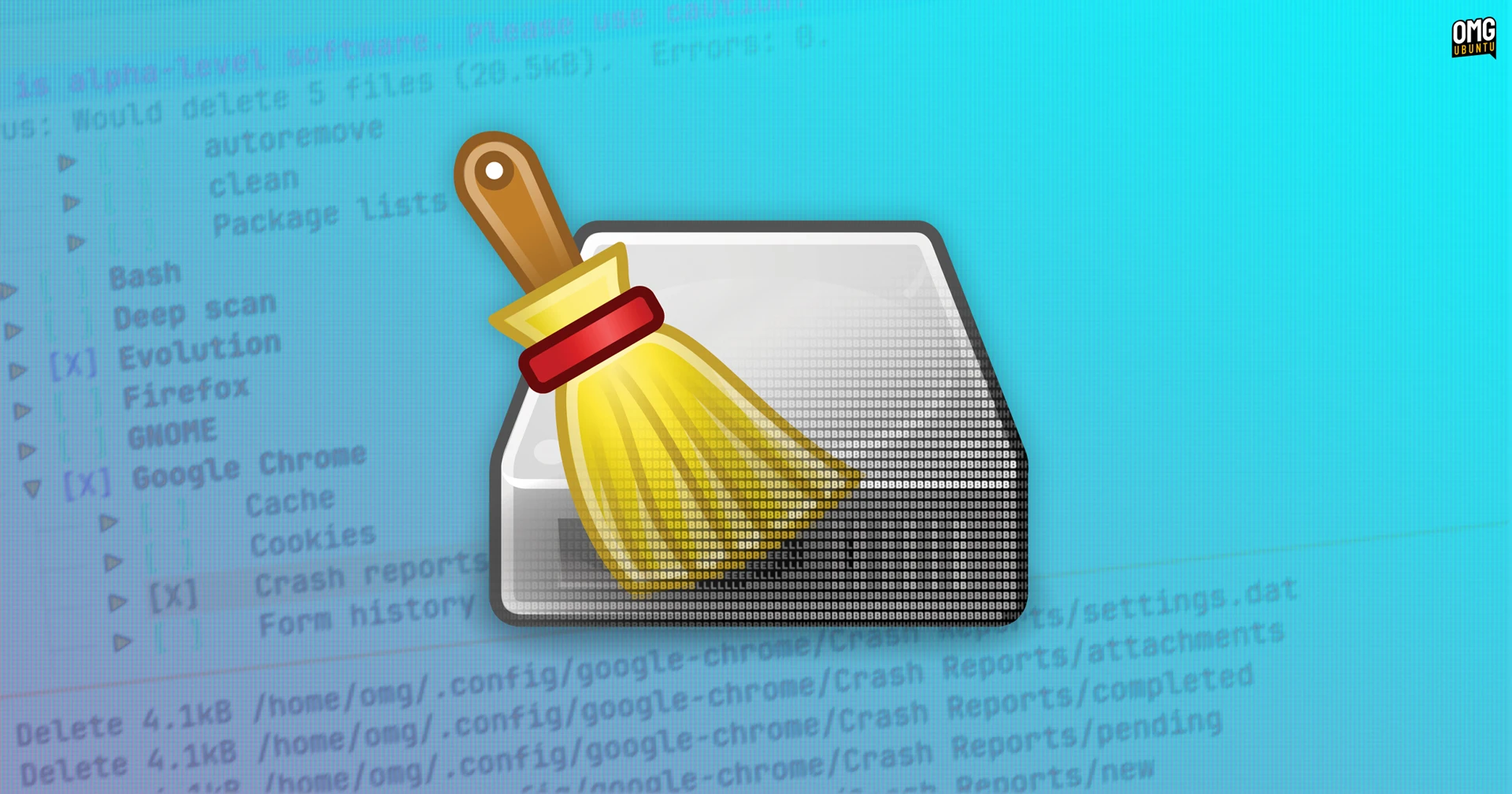
What is the current status of the TUI and what features does it offer?
The BleachBit TUI is currently in alpha stage, meaning it's functional but may have bugs or incomplete features. It offers the same cleaning operations as the GUI: you can select applications (like Firefox, Chrome, system logs), preview files to be deleted, and then clean them. Unlike the GUI, the TUI uses a text-based menu system. While it already covers core functionality, future updates will likely refine the interface and add more options. Developers encourage testing on non-critical systems to help improve stability before a stable release.
How does the TUI interact with users (keyboard vs mouse support)?
The TUI is primarily keyboard-driven. You navigate through cleaning categories and file lists using arrow keys, Tab, and Enter. Limited mouse support is present (e.g., clicking on menu items), but the interface is optimized for keyboard use. This design aligns with typical terminal behavior and makes it easy to use in remote sessions where mouse events may not be forwarded properly. The visual layout mimics a typical GUI list, with checkboxes for items and a preview pane, all rendered in ASCII characters. Keyboard shortcuts for common actions (like preview or clean) enhance speed for experienced users.
Will the TUI replace the GUI or CLI in future releases?
No, the TUI is intended as an optional alternative, not a replacement. BleachBit's developers recognize that different use cases call for different interfaces: the GUI for desktop users who want a visual tool, the CLI for automated scripting, and the TUI for interactive use in terminal-only environments. All three share the same cleaning backend, so users can switch between them depending on their needs. The TUI fills a gap for headless or low-resource systems where the GUI is impractical, while the GUI remains the primary interface for typical desktop usage. The CLI continues to serve automation and integration purposes.
Related Articles
- Fedora Linux 44 Global Virtual Release Party: Everything You Need to Know
- Implementing BPF-Based Memory Management: A Step-by-Step Approach
- 10 Critical Linux Updates You Need to Know This Week: From Kernel Security to Fedora's AI Revolution
- Fedora Linux 44: Enhanced Atomic Desktop Experience for Silverblue, Kinoite, and More
- Understanding Terraform Enterprise 2.0: Key Features and Capabilities
- Alert: QLNX Linux Malware Harvests Developer Credentials for Software Supply Chain Attacks
- Linux 7.2 DRM Scheduler Set to 'Fair' Priority; AMDXDNA Gains AIE4 Support
- Efficient Management of Non-Direct-Mapped Pages: Insights from the 2026 Linux Storage Summit